
Keyboard control
Space to play or pause. Arrow keys turn the rack.
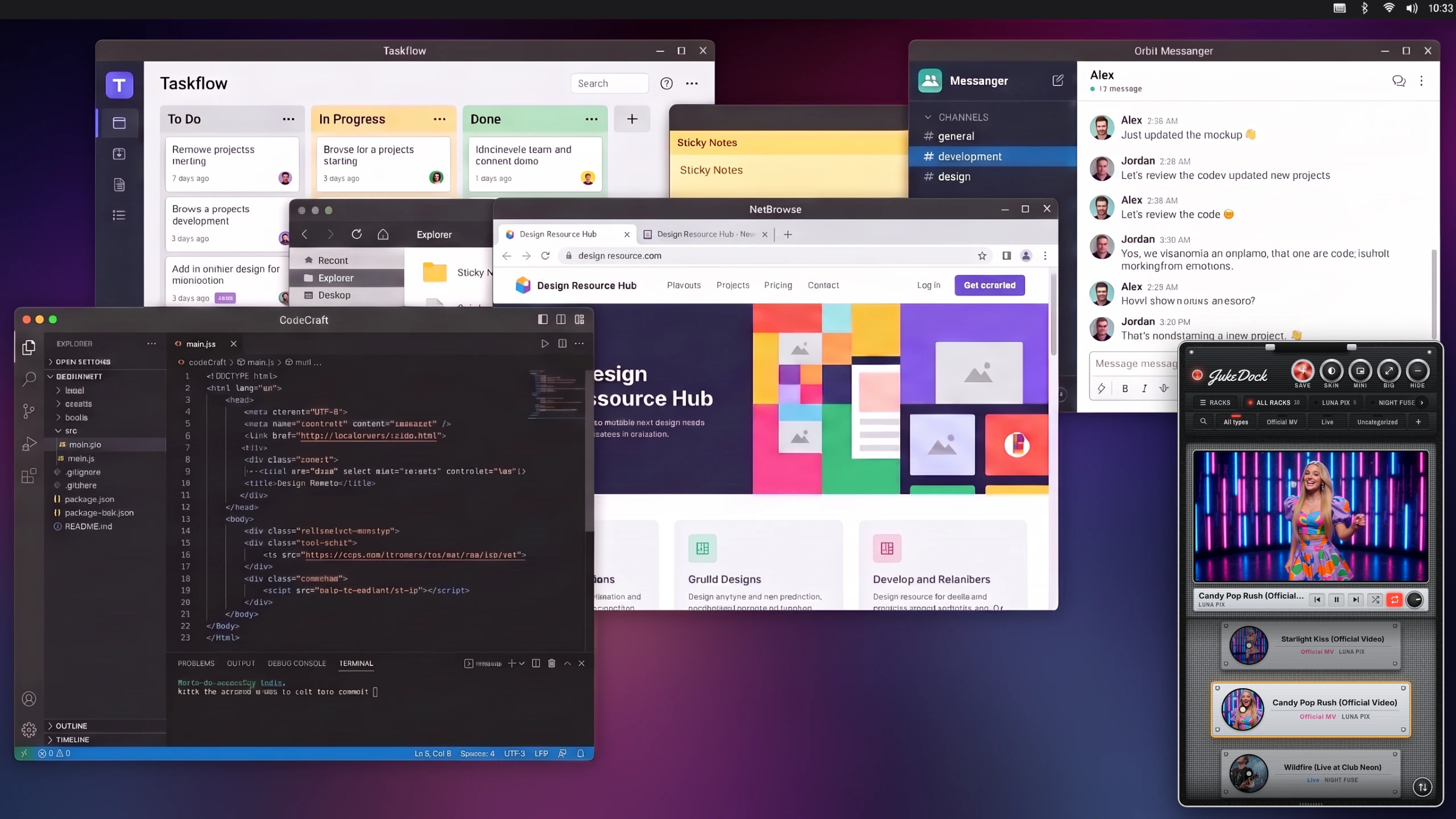
Organize YouTube music videos into artist racks. Choose the next song without interrupting your work.
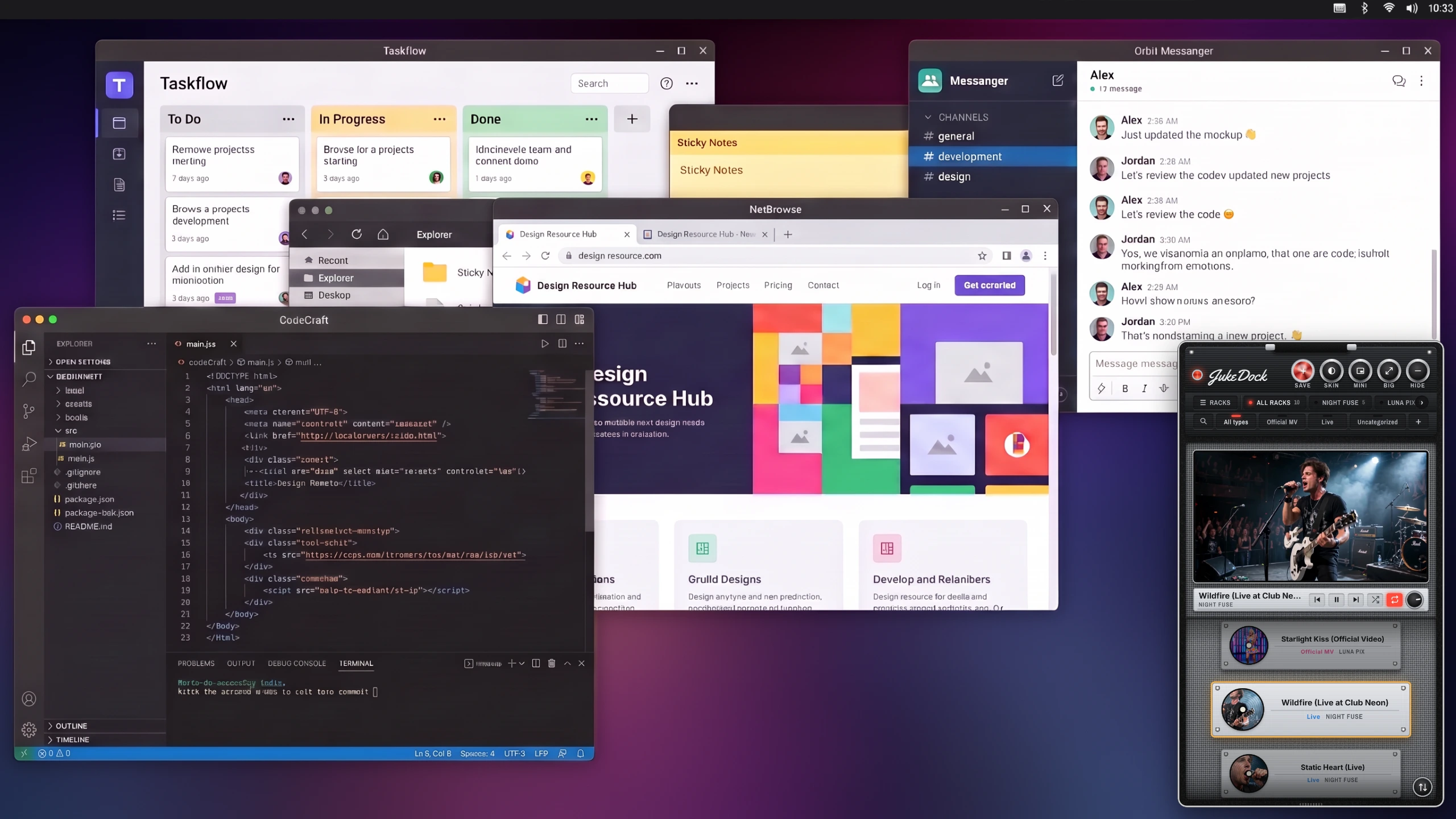
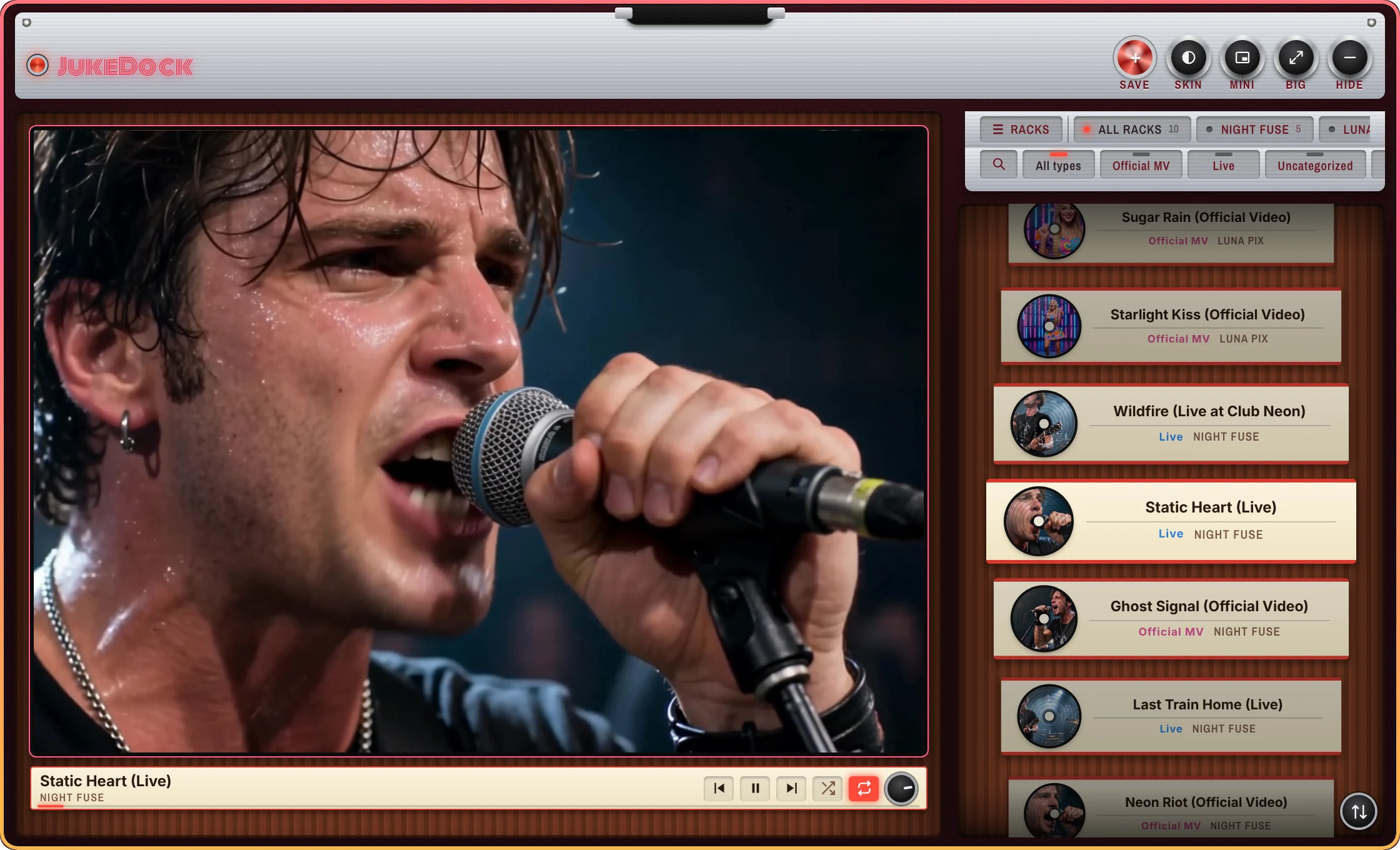
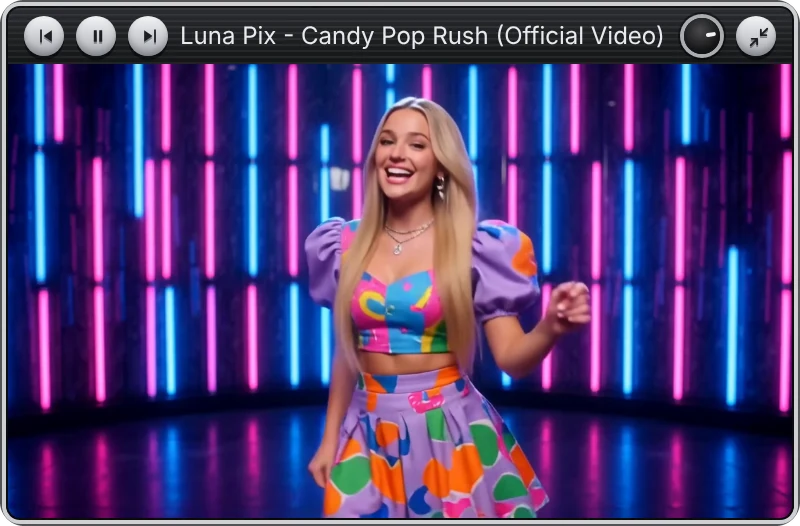
It stays tucked into the bottom-right corner. Switch to a video-only mini view, or switch to a larger view when you want to watch, with one click.
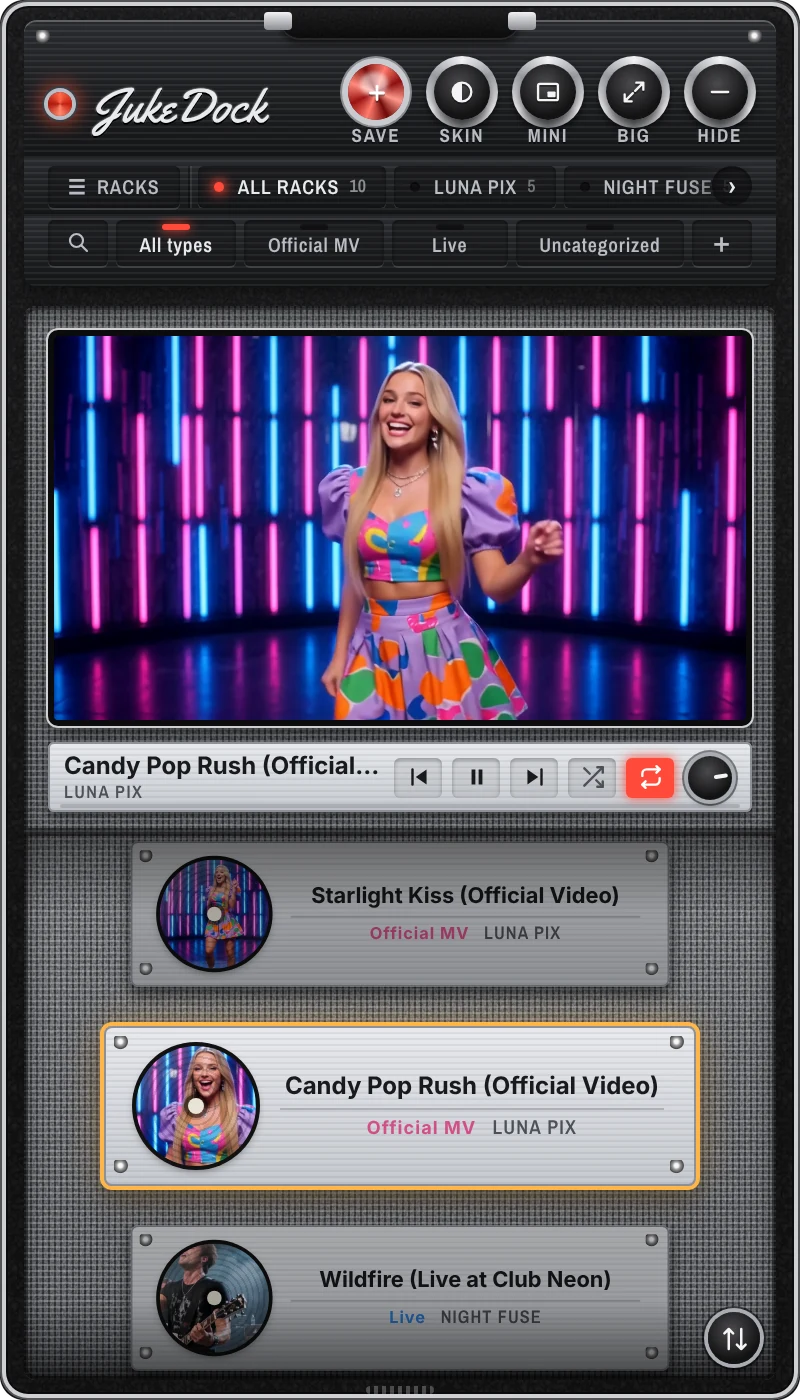
Copy a YouTube link and press the red SAVE knob. Pick a rack, and it's saved.
Copy a YouTube link

Press SAVE in JukeDock
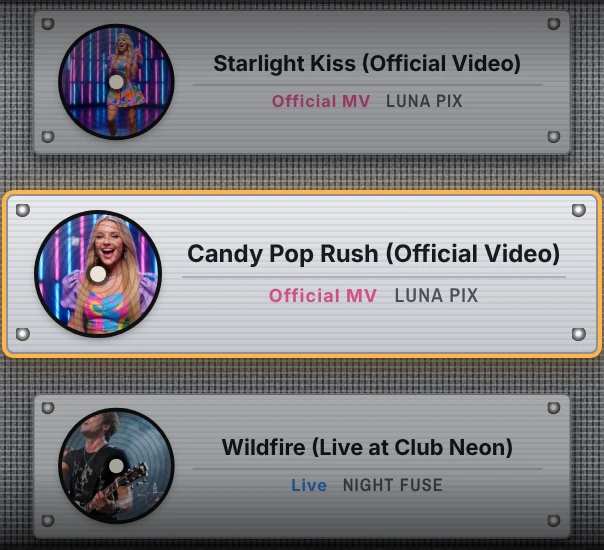
It's on the rack, ready to play
You can also save videos from the record icon in the menu bar (or system tray on Windows).
Drop a link or thumbnail onto JukeDock.
Once you're used to it, ⌘⌥⇧S, or CtrlAltShiftS on Windows.
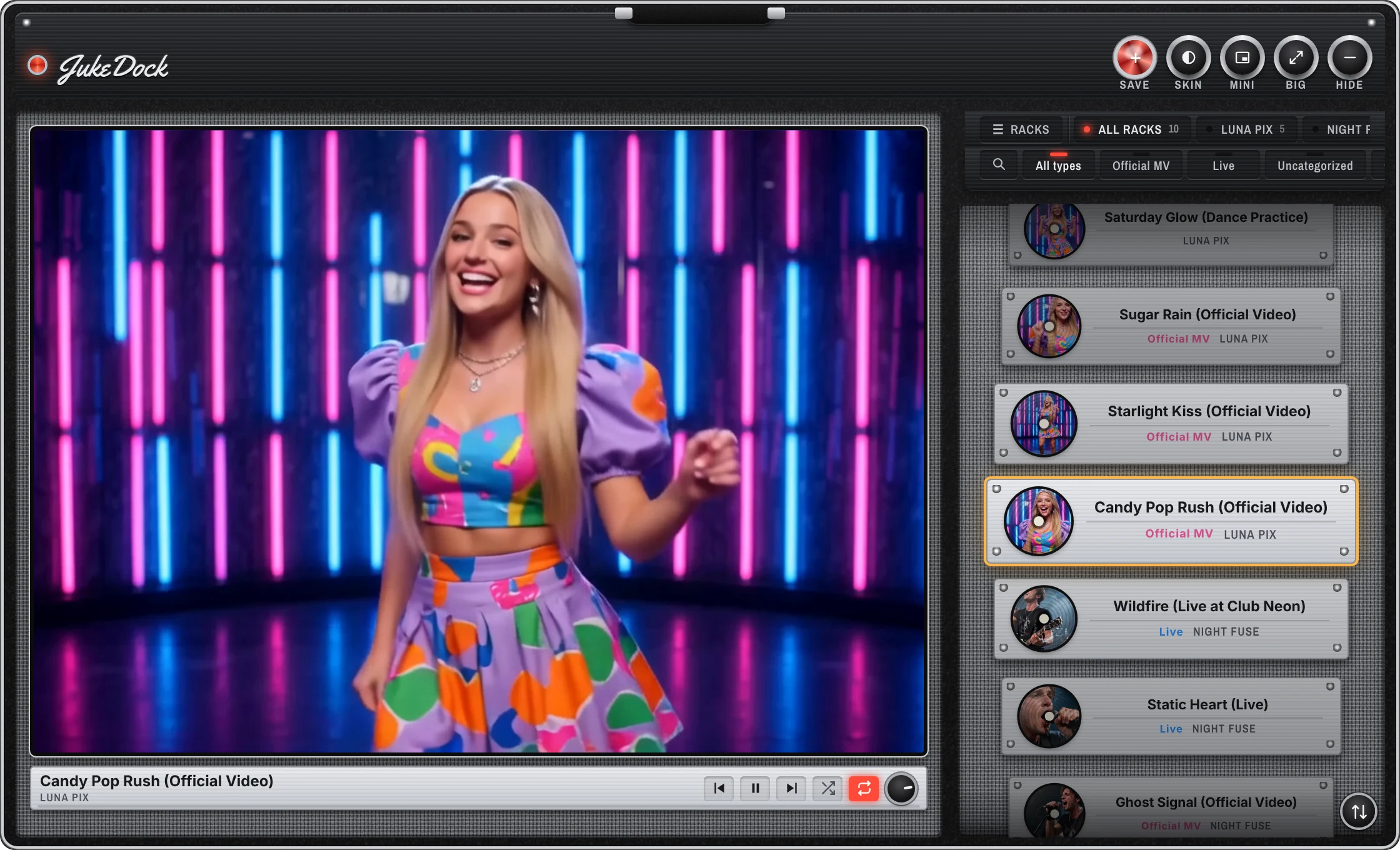
Saved videos go on a rack for each artist. Scroll to browse, click to play.
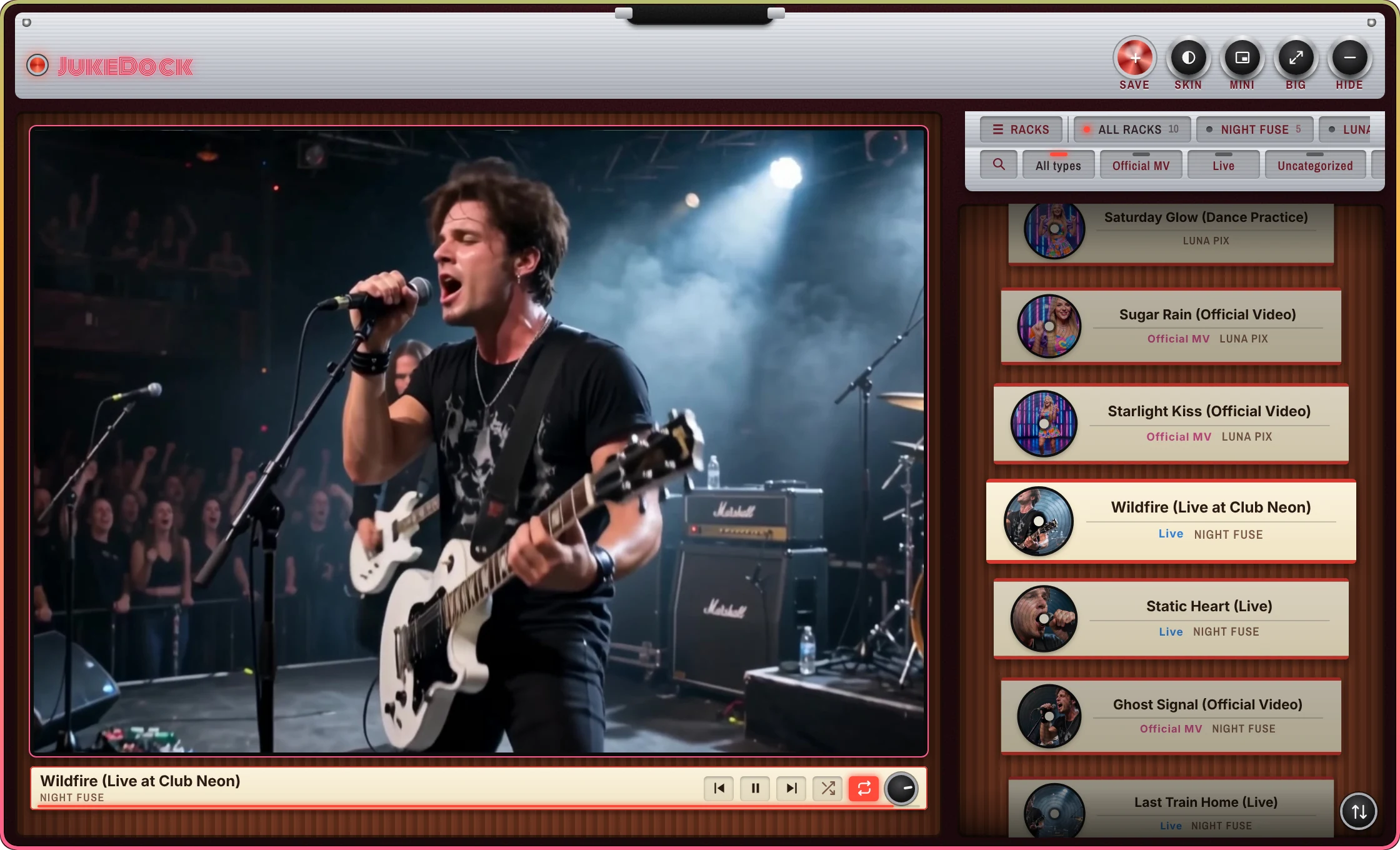
Repeat all, repeat one, or off. Shuffle too. Turn the knob to set the volume.
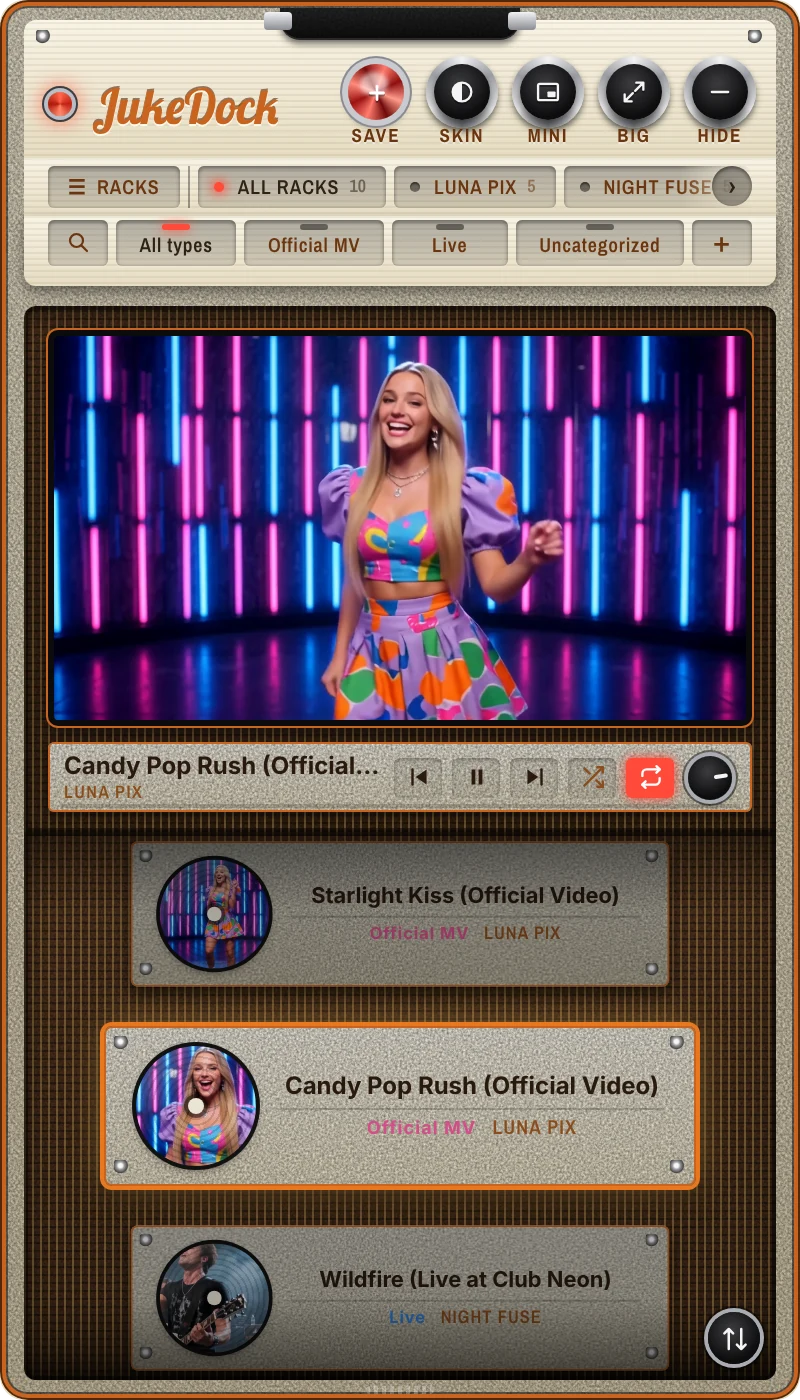
Four distinctive retro skins inspired by guitar amps and jukeboxes. Turn the SKIN knob to switch.
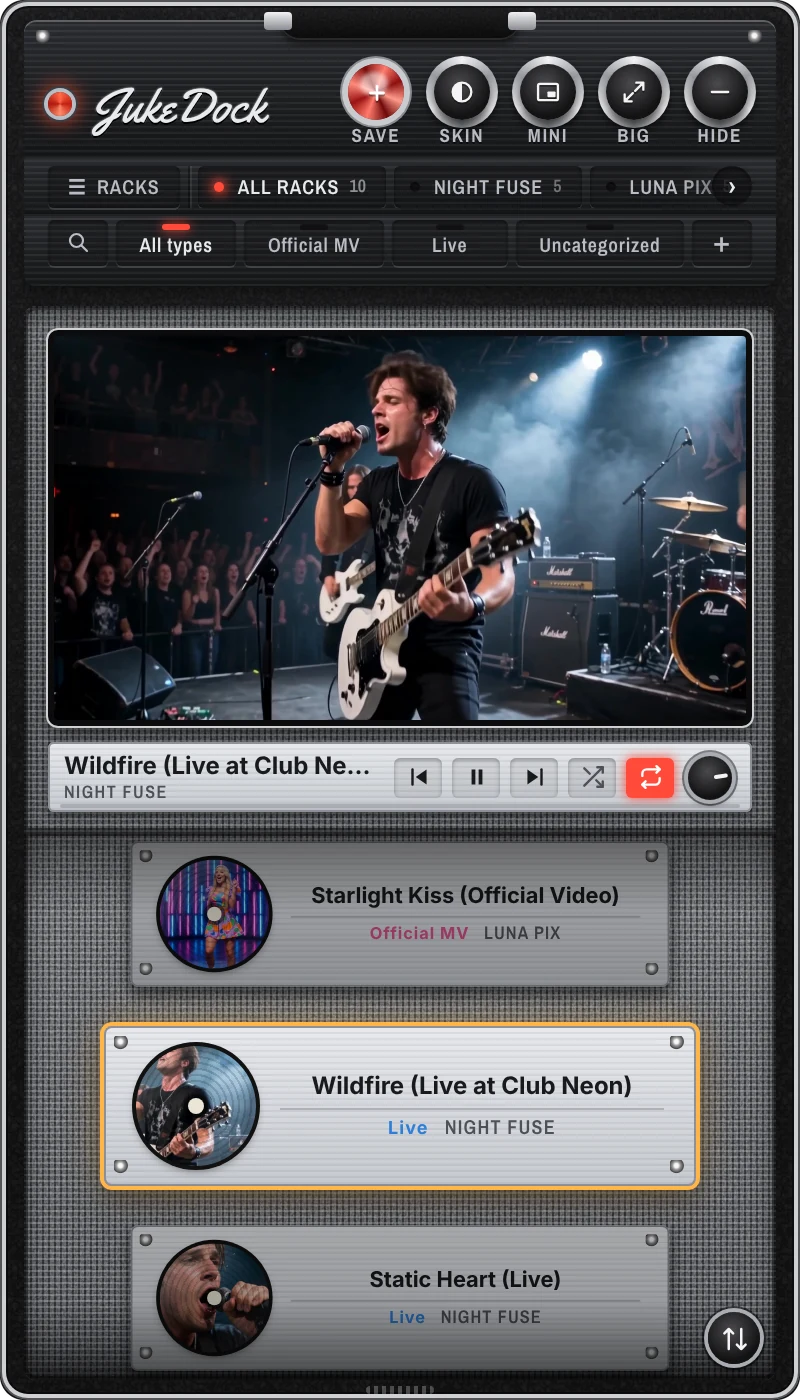
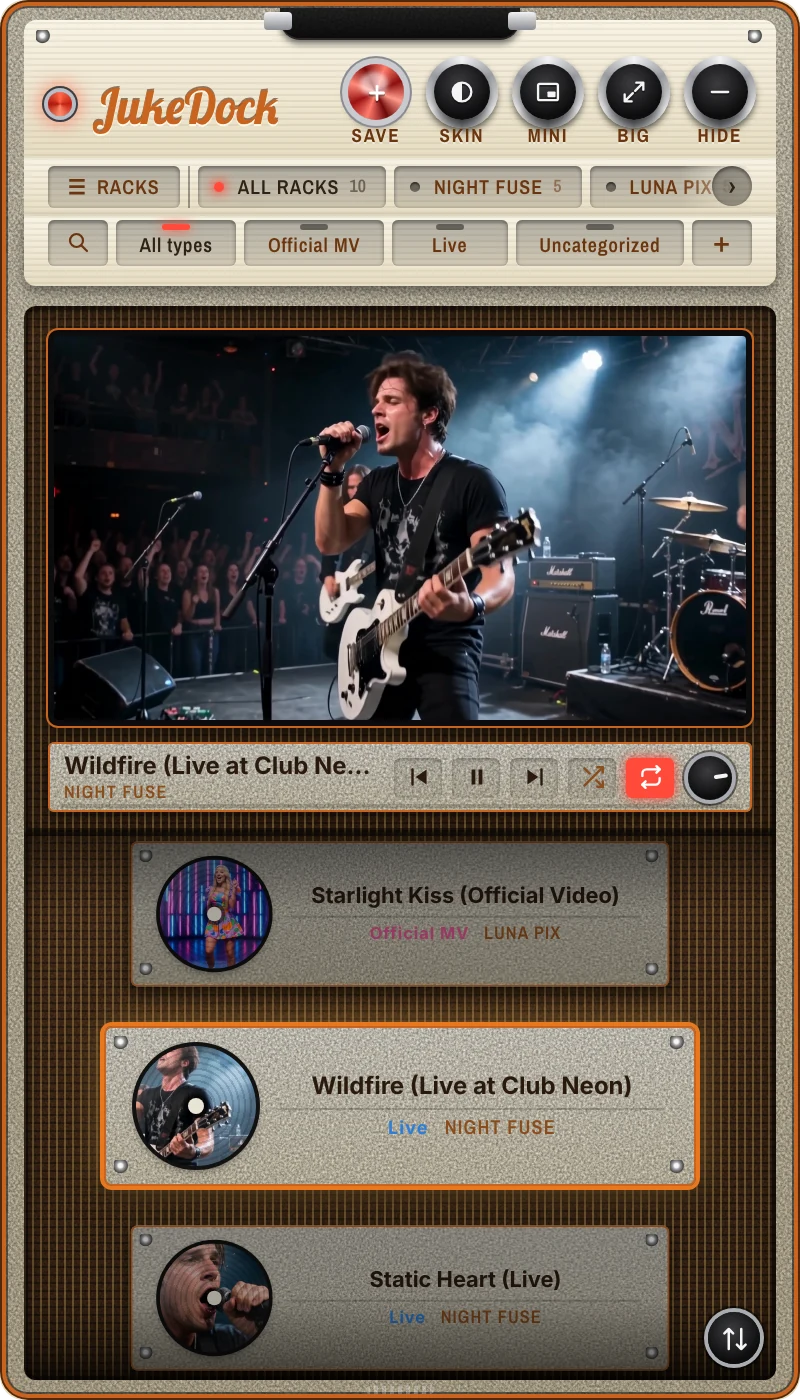
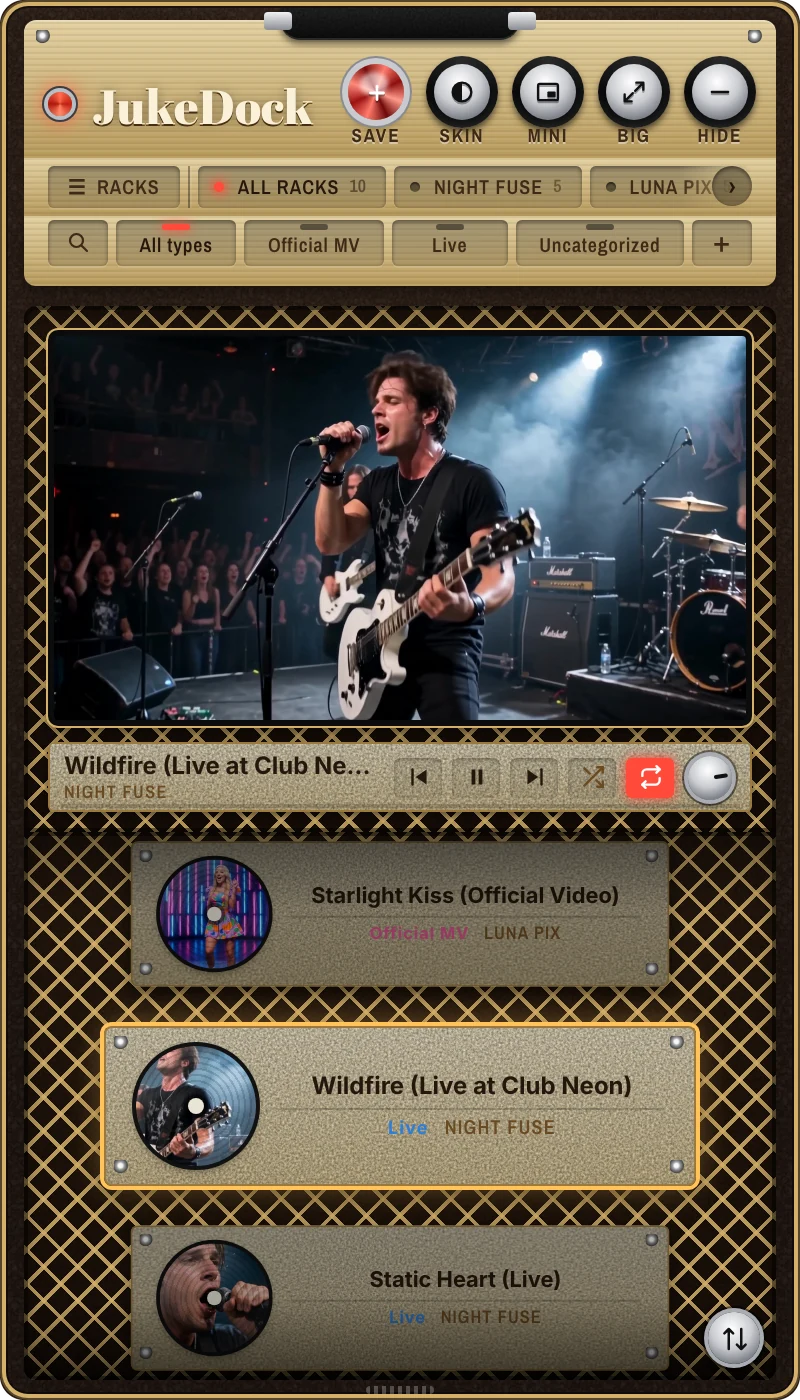
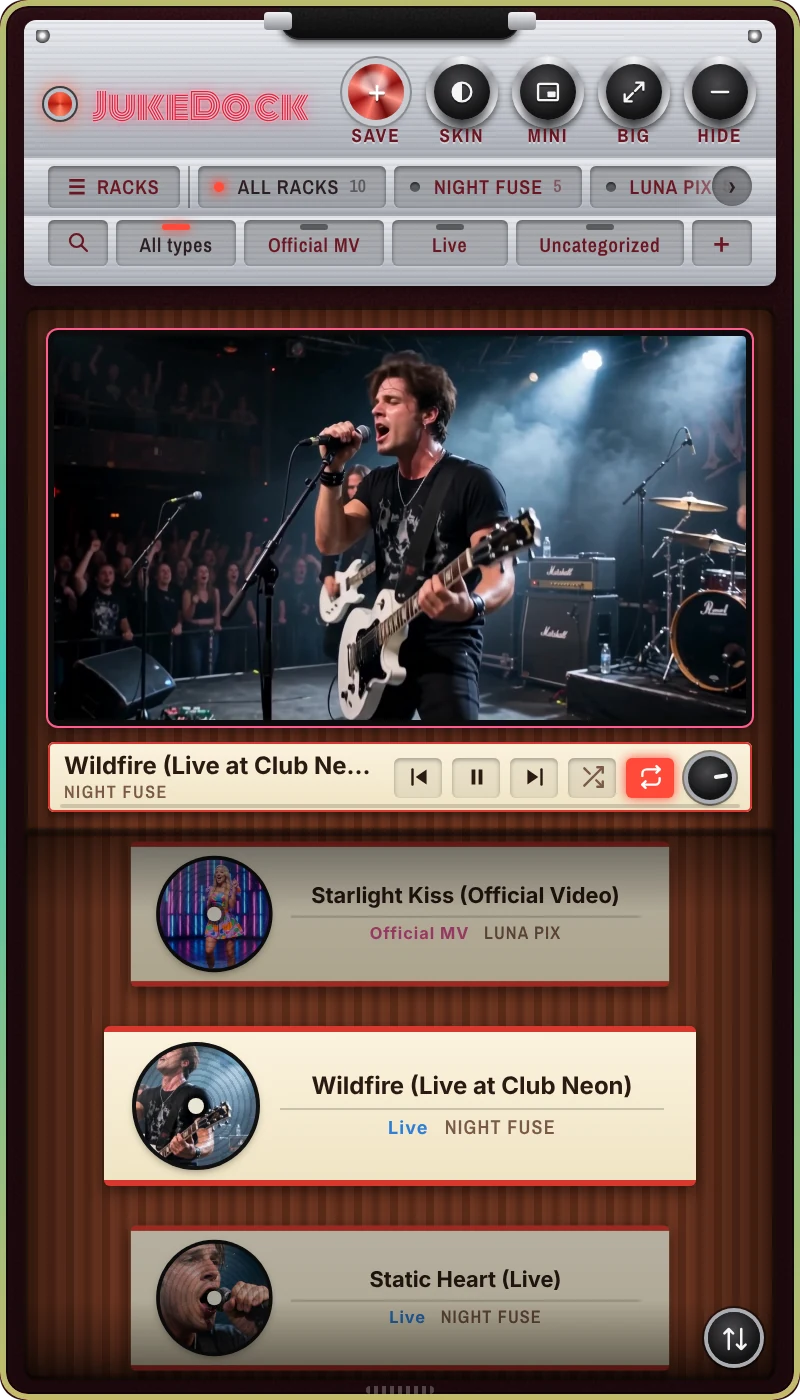
Space to play or pause. Arrow keys turn the rack.
Backups from the past 7 days are kept automatically. Export and import too.
Show, save and set up from the record icon. On Windows, the system tray.
Your rack is waiting in the corner of your screen when you sign in.
Follows your computer's language.
Move videos up and down within a rack.
Drag the edge to make it shorter. It remembers next time.
A short guide on first launch, and any time from the menu.
One-time
Priced in your local currency on each store (about US$6.99).